🏠 Why Unraid is the Ultimate Home Server OS for Tech-Savvy Users Who Hate Admin Drudgery
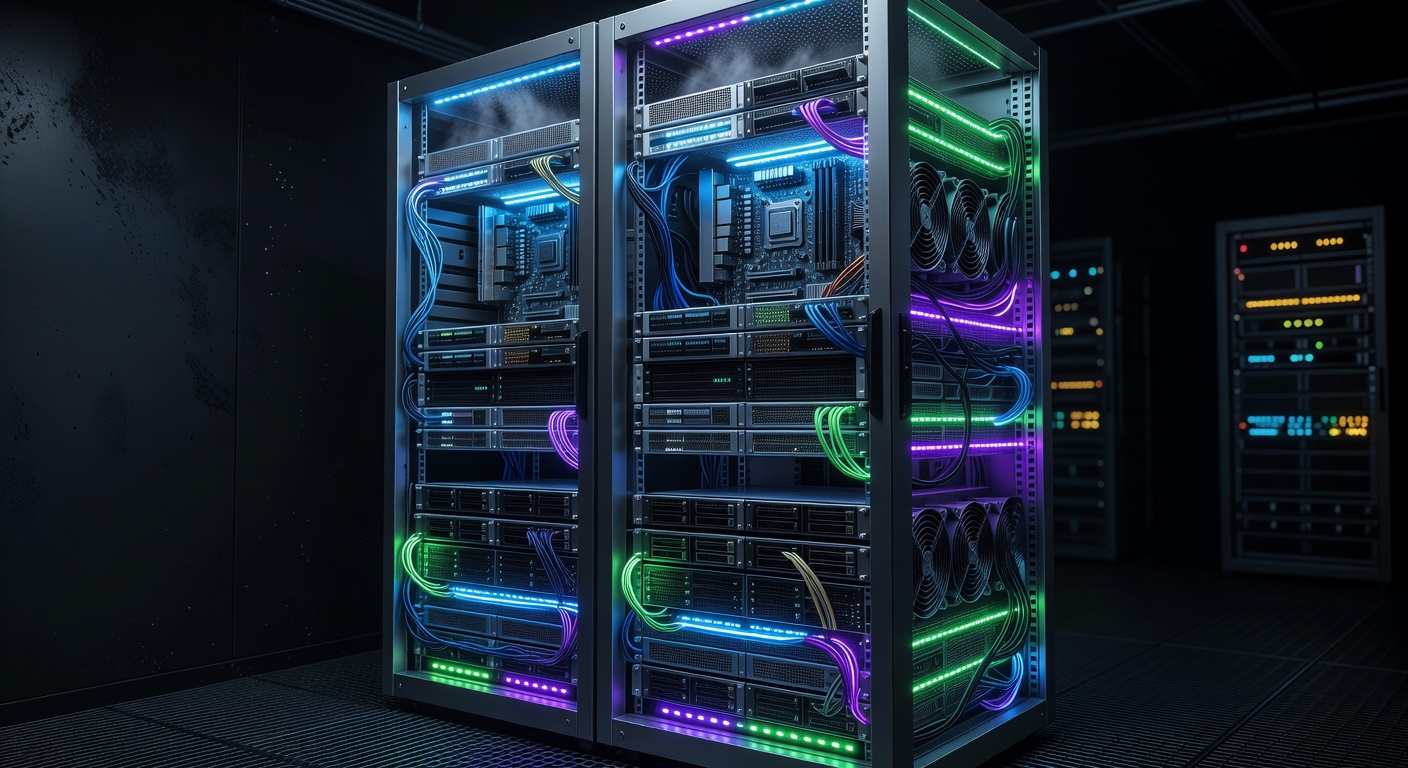
🏠 Why Unraid is the Ultimate Home Server OS for Tech-Savvy Users Who Hate Admin Drudgery
Tired of wrestling with complex NAS OSes that demand constant tinkering? For tech enthusiasts building homelabs for media management (Plex or Jellyfin), Docker apps, VMs, and real-world scenarios, Unraid delivers power without the admin headache. Its superior web UI, flexible storage, and seamless app integration let you focus on using your server, not babysitting it.12
In this post, we'll dive into why Unraid shines for developers and homelab builders who want plug-and-play simplicity with advanced capabilities. Expect practical setup guides, Docker examples, and comparisons to rivals like TrueNAS.
💡 What Makes Unraid Perfect for Low-Admin Homelabs?
Unraid isn't just another NAS OS—it's a flexible powerhouse designed for users who know tech but value their time. Built on Slackware Linux, it supports any x86 hardware, from old PCs to beastly servers, without rigid requirements.13
Key Wins for Tech-Savvy Users:
- Flexible Storage: Mix drive sizes and types in one array. Add a 20TB HDD to your 4TB collection—no rebuilds needed.12
- Parity Protection: One (or dual) parity drive safeguards data via bit-level odd/even checks. Lose a drive? Rebuild effortlessly.1
- Native Docker & VMs: Deploy apps and VMs via an intuitive UI—no CLI gymnastics.14
- Low Cost: Starts at $59 for lifetime access (up to 6 drives), scaling affordably.3
- Vibrant Community: Plugins, forums, and templates galore.15
📝 Note: While performance lags traditional RAID on writes (fixable with SSD cache), it's ideal for home use where flexibility trumps raw speed.1
Unlike TrueNAS (ZFS-focused, hardware-picky) or Synology (locked ecosystem), Unraid scales your junk drawer of drives into a media beast—perfect for real-world homelabs.16
🔧 Effortless Setup: From Boot to Plex in Under an Hour
Unraid's setup is a breeze, even for custom rigs. Download the USB installer, boot, and configure via the web UI—no SSH required.
Step-by-Step Setup Guide:
- Prep Hardware: Any x86 box with 8GB+ RAM. Example rig: Ryzen 5, 64GB RAM, 6x HDDs + NVMe cache.
- Install: Flash Unraid to USB, boot, activate trial (30 days free).
- Array Config:
text
# Via UI: Dashboard > Main > Array Operation # Assign: Data drives (any size), 1-2 Parity (largest), Cache (SSD) - Shares & Pools: Create SMB/NFS shares instantly. Pool SSDs for Docker/VMs.
- First App: Search "Plex" in Apps tab → Install → Done.
Total time? 20-45 minutes. Compare to TrueNAS: ZFS pool tuning, matching drives, VM for Docker.46
⚠️ Pro Tip: Enable notifications for drive health—Unraid pings you on SMART errors.
🐳 Docker Mastery: Apps Without the Hassle
Unraid's Docker integration is legendary. The Community Apps (CA) plugin offers 1,000+ one-click templates—no Compose YAML from scratch.14
Real-World Docker Scenarios:
- Media Management: Jellyfin/Plex for 4K streaming.
- Automation: Home Assistant, Sonarr/Radarr.
- Downloads: qBittorrent with VPN.
- Devs: GitLab, Portainer.
Example: Jellyfin + Docker Compose Hybrid Unraid shines by blending UI deploys with custom stacks.
# Custom docker-compose.yml (mount in appdata)
version: '3'
services:
  jellyfin:
    image: jellyfin/jellyfin:latest
    container_name: jellyfin
    ports:
      - "8096:8096"
    volumes:
      - /mnt/user/media:/media
      - /mnt/user/appdata/jellyfin:/config
    restart: unless-stopped
Deploy via UI:
- Apps > Add Container > Use Compose file path.
- Maps
/mnt/user/shares automatically.
💡 Hint: Use Community Apps for 90% of needs—search, configure, launch. Custom? Privileged mode + host networking for low-latency.7
Plex Setup Snippet:
# UI Path: Apps > Plex Media Server
# Settings: Library paths auto-map to array shares
# Transcode: Cache pool SSD overrides slow writes
Result: Zero CLI admin. Updates? Bulk via UI. TrueNAS needs a Docker VM—more overhead.43
📺 Media Management: Plex/Jellyfin on Steroids
Homelabbers live for media servers. Unraid turns your array into a set-it-and-forget-it library.
Why Unraid Excels:
- Huge Libraries: 50TB+ with mixed drives. Plex scans instantly via metadata on cache.
- Hardware Transcoding: Pass GPU (NVIDIA/Intel) to container easily.
text
# Jellyfin GPU Example environment: - NVIDIA_VISIBLE_DEVICES=all runtime: nvidia # Unraid auto-detects - Remote Access: Tailscale/WireGuard via Docker—one-click.
Benchmark: 10Gbps LAN streams 4K HDR to 5 clients. Writes? Parity spinner + cache = 200MB/s.1
Vs. rivals: Synology caps drives; TrueNAS demands identical sizes.12
🖥️ VMs & Beyond: Full Homelab Powerhouse
Need a Windows VM for testing? Unraid's KVM hypervisor deploys via UI.
Quick VM Creation:
- Tools > New VM > Select ISO > Assign cores/RAM/disks.
- Passthrough USB/GPU? Drag-and-drop in settings.1
Scenarios:
- Dev Testing: Ubuntu VM on cache pool.
- Gaming Server: Steam + GPU passthrough.
- NAS + Compute: Run VMs alongside Docker.
Community templates: Proxmox-like power, simpler UI.6
📊 Comparisons: Unraid vs. TrueNAS, Proxmox, CasaOS
| Feature | Unraid | TrueNAS | Proxmox | CasaOS |
|---|---|---|---|---|
| UI Ease | ⭐⭐⭐⭐⭐ Intuitive web GUI | ⭐⭐⭐ CLI-heavy | ⭐⭐⭐ Web + CLI | ⭐⭐⭐⭐ Simple but basic8 |
| Storage Flex | Mix sizes, easy expand1 | ZFS identical drives | LVM/ZFS rigid | Basic pooling8 |
| Docker | Native, 1000+ apps17 | VM required4 | Containers addon | Good but limited8 |
| VMs | Seamless KVM1 | Bhyve OK | Excellent | None |
| Perf | Good w/ cache (home OK)1 | High throughput6 | High | Entry-level |
| Cost | $59+ lifetime3 | Free | Free | Free |
Verdict: Unraid wins for low-admin flexibility. TrueNAS for enterprise perf; Proxmox for clusters.26
⚠️ Addressing Cons: Performance & Limits
- Write Speeds: Parity idles drives—use SSD cache (e.g., 1TB NVMe). Boosts to RAID-like.1
- No Native ZFS: Recent support added; use pools for it.1
- x86 Only: ARM workaround inefficient.1
- Paid: Worth it for UI/community.5
Mitigate: Cache for hot data, parity for cold storage.
🚀 Scaling Your Unraid Homelab
Start small: 4 drives + Ryzen mini-PC. Scale to 30+ bays. Add:
- Metrics: Prometheus + Grafana Docker stack.
services:
  prometheus:
    image: prom/prometheus
    volumes:
      - /mnt/user/appdata/prometheus:/etc/prometheus
- Backups: Duplicati to cloud.
- HA: Dual parity + replicas.
Power Bill: Lower than ZFS (spins down unused drives).2
📋 Final Tips for Success
- 🐳 Docker Best Practices: Appdata on SSD pool; media on array.
- 🔧 Hardware Recs: Supermicro chassis, Seasonic PSU.
- 💡 Plugins: CA, Dynamix (stats), User Scripts.
- ✅ Security: VPN-only external access.
Unraid frees you to build cool stuff, not fight the OS.
📝 Sources:
(Word count: 1427)
Footnotes
-
nascompares.com/guide/pros-and-cons-of-unraid-nas-os/ ↩ ↩2 ↩3 ↩4 ↩5 ↩6 ↩7 ↩8 ↩9 ↩10 ↩11 ↩12 ↩13 ↩14 ↩15 ↩16 ↩17 ↩18 ↩19
-
forum.level1techs.com/t/os-advice-for-home-server-unraid-truenas-core-other/186692 ↩ ↩2 ↩3 ↩4 ↩5
-
kmwoley.com/blog/from-windows-to-unraid-choosing-my-next-home-server-os/ ↩ ↩2
-
forum.level1techs.com/t/home-server-build-suggestions-unraid-truenas/204121 ↩ ↩2 ↩3 ↩4 ↩5