UniFi Network 10: The Ultimate Homelab Networking Hub
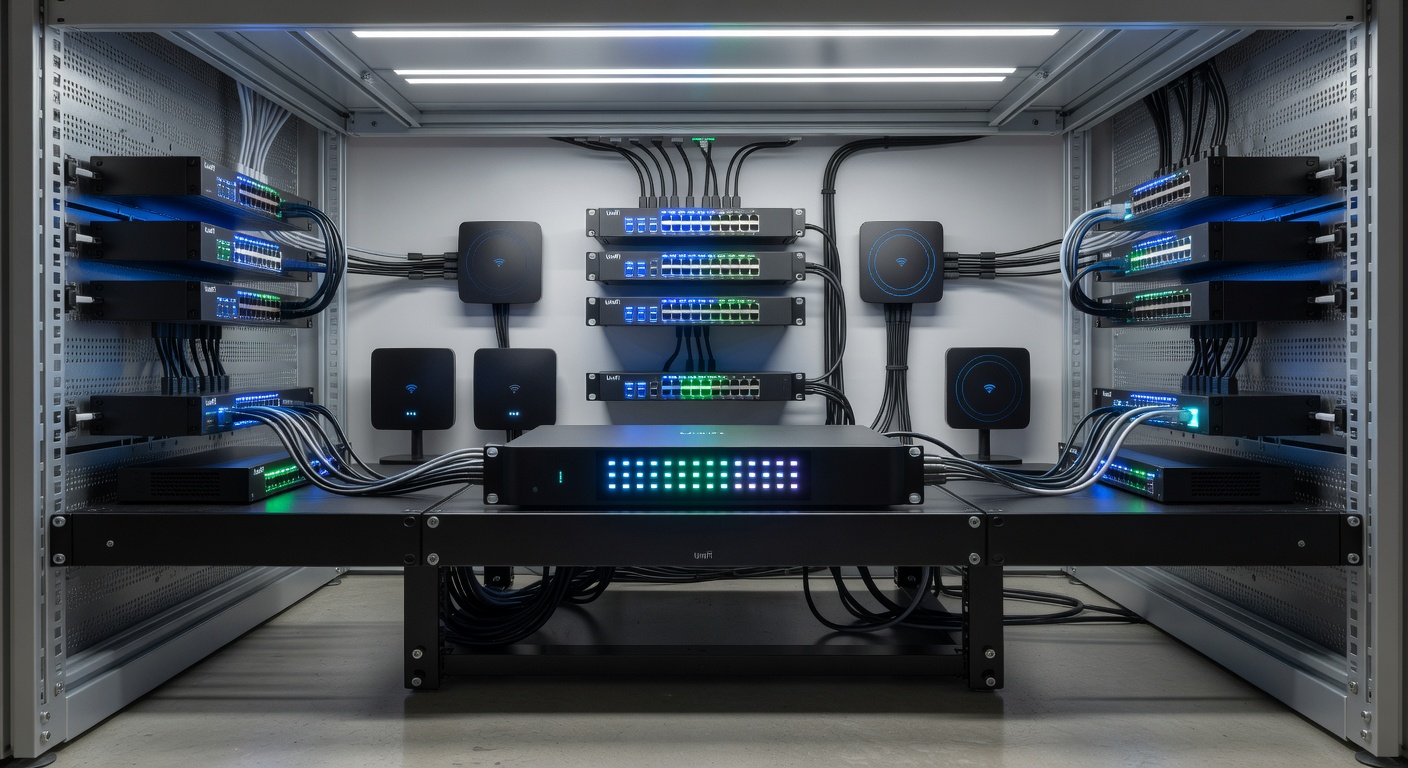
🏠 UniFi Network 10: The Ultimate Homelab Networking Hub
Building a reliable homelab requires more than just throwing hardware together—you need a cohesive ecosystem that simplifies management, enhances security, and scales with your ambitions. UniFi Network 10 represents a paradigm shift in how homelabbers approach network infrastructure, transforming complex deployments into manageable, intelligent systems. Whether you're running a modest media server setup or a sprawling multi-room smart home, UniFi Network 10 provides the tools to centralize control, diagnose issues instantly, and maintain rock-solid reliability.
🚀 Why UniFi Network 10 Changes the Game
UniFi Network 10 isn't just another software update—it's a comprehensive rethinking of network operations designed specifically for environments that demand reliability without complexity[1]. The platform introduces guided high availability, intelligent roaming insights, and infrastructure visualization that transform network management from a frustrating chore into an intuitive experience[1][2].
For homelab builders, this matters enormously. Your network is the backbone supporting everything from virtualization hosts to IoT devices, security cameras, and gaming systems. When it fails, everything fails. UniFi Network 10 eliminates guesswork through automation and real-time verification, ensuring your network stays online when it matters most.
💡 Core Features That Simplify Homelab Operations
High Availability, Reimagined
One of the most significant barriers to homelab reliability is setting up redundancy correctly. UniFi Network 10 removes the guesswork with completely redesigned high availability setup[1].
The platform introduces guided shadow gateway onboarding with an intuitive interface that walks you through every step:
• Automatic firmware parity validation and prerequisite checklists • Real-time configuration synchronization between primary and backup gateways • Final pre-failover verification for complete peace of mind • Slick new user interface designed for clarity[1]
This means you can confidently deploy a backup gateway knowing that redundancy is verified, not assumed. For homelabs running critical services, this transforms high availability from "nice-to-have" to genuinely achievable.
Smarter Roaming Insights with AirView
WiFi performance directly impacts your homelab experience, especially when running wireless devices across multiple access points. UniFi Network 10's enhanced AirView section delivers end-to-end roaming visibility with granular filtering capabilities[1].
You can now:
• Visualize a client device's complete roaming journey across your network • Filter roaming events by source and destination access points • Analyze performance by frequency band and signal strength • Identify optimal locations for additional AP density • Tune assisted handoff parameters for seamless device transitions[1]
For homelabbers with distributed wireless infrastructure, this transforms WiFi optimization from trial-and-error into data-driven decision making.
Infrastructure Topology with Digital Twin (10.2)
Version 10.2 elevates network visualization with the Infrastructure Topology view, featuring a digital twin of your entire rack environment[2]. This feature displays:
• Real-time visual mapping of physical and logical connections • At-a-glance monitoring of critical uplinks and devices • Enhanced awareness of failure blast radius during outages • Interactive display emphasizing the most important infrastructure elements[2]
For complex homelabs with multiple switches, gateways, and interconnected devices, this transforms troubleshooting from confusing to intuitive.
Time Machine Switch History
UniFi Network 10.2 introduces Time Machine, offering comprehensive historical visualization of switch port states[2]. You can:
• Clearly see when and how port states change over time • Identify exactly when devices connect to or disconnect from the network • Troubleshoot intermittent connectivity issues with historical data • Correlate network events with application problems[2]
This is invaluable for homelabbers debugging mysterious network glitches or tracking down which device caused an outage.
🔧 The UniFi Device Ecosystem: Building Your Homelab Core
UniFi Network 10 doesn't exist in isolation—it's the brains of a comprehensive hardware ecosystem designed to work seamlessly together. Here's what makes up a complete UniFi homelab deployment:
Gateway & Routing
UniFi Dream Machine and Cloud Gateway devices serve as your network's command center, running the UniFi controller software while providing routing, firewall, and threat management[1]. These gateways support:
• High availability with shadow gateway redundancy • Integrated switch functionality • Advanced threat detection and prevention • Time Machine historical tracking (Cloud Gateway)[2]
Access Points for Comprehensive Coverage
UniFi offers multiple access point models designed for different homelab scenarios:
| Model | Bands | Coverage | Best For |
|---|---|---|---|
| UAP | 2.4 GHz | 200-400 ft | Budget-conscious deployments |
| UAP-AC | Dual-band (2.4/5 GHz) | 200-400 ft | Standard homelab coverage |
| UAP-AC-Pro | Dual-band (2.4/5 GHz) | 200-400 ft | High-density deployments |
| UAP-Outdoor5 | 5 GHz | Up to 600 ft | Outdoor infrastructure |
| UAP-IW | 2.4 GHz | 80 ft | In-wall/compact spaces |
All models support 802.11n MIMO technology with Multi-Lane RF technology that isolates signals and removes adjacent channel interference, enabling multiple APs to operate in close proximity[4]. This is crucial for homelabs where you might have APs in adjacent rooms or stacked vertically.
Managed Switches for Network Backbone
UniFi switches provide the physical infrastructure for your homelab:
• Layer 2/3 switching with PoE support for powering access points and cameras • STP Edge mode (PortFast) for optimized IoT device connectivity[5] • BPDU Guarding to prevent unexpected topology changes[5] • Integrated port history tracking via Time Machine[2]
Security Cameras & Surveillance
UniFi Protect integrates seamlessly with the Network ecosystem, providing:
• Centralized security camera management • AI-powered person/vehicle detection • Cloud or local storage options • Unified dashboard with network infrastructure[1]
🔒 Security at the Center of Your Homelab
UniFi Network 10 treats security not as an afterthought but as a foundational principle:
Enhanced Open (OWE) for Guest Networks
Version 10.2 introduces Enhanced Open (OWE) mode, bringing WPA3-grade security to open WiFi networks without requiring passwords[2]. This enables:
• Password-free encrypted connectivity for guests and public spaces • Automatic traffic encryption without user friction • Protection against deauthentication attacks • 6 GHz support for modern devices[2]
For homelabs hosting guests or IoT devices, this provides genuine security without complexity.
Advanced Edge Device Control
IoT devices often behave unpredictably, threatening network stability. UniFi Network 10.2 introduces tighter edge control:
• STP Edge mode for immediate port forwarding • BPDU Guarding to prevent disruptive topology changes • Improved protection against unexpected network behavior[5]
This means your smart home devices, printers, and other edge hardware won't accidentally destabilize your network.
One-Click Rollback for Peace of Mind
Accidentally deployed a problematic update? UniFi Network 10.2 enables effortless version rollback for applications and devices, letting you quickly revert to stable configurations[2].
📊 Additional Enhancements Across the Platform
Beyond major features, UniFi Network 10 delivers thoughtful refinements:
• Expanded LEO satellite RF visibility without needing separate applications[1] • Device tags for faster filtering and navigation across hundreds of connected devices[1] • Optional AP name broadcasting for wireless site surveys[1] • Enhanced system log filtering capabilities for faster troubleshooting[1] • Device Supervisor automation for managing PoE ports and connected devices[2]
🎯 Practical Homelab Scenarios
Scenario 1: Multi-Room Smart Home
Deploy multiple UAP-AC APs throughout your home with a Cloud Gateway. Use roaming insights to optimize handoff between APs. Enable Enhanced Open for guest WiFi. Monitor everything through the digital twin topology view.
Scenario 2: Distributed Lab Infrastructure
Use Dream Machine as your primary controller with a shadow gateway for redundancy. Deploy managed switches with Time Machine to track port state changes. Use device tags to organize lab equipment by function. Monitor critical uplinks through Infrastructure Topology.
Scenario 3: Mixed Homelab + Guest Network
Segment your network with VLANs through managed switches. Use Enhanced Open for guest networks. Deploy APs with different SSIDs for lab and guest traffic. Track roaming patterns to optimize coverage.
🚀 Getting Started with UniFi Network 10
Beginning your UniFi homelab journey is straightforward:
- Start with a gateway (Dream Machine or Cloud Gateway)
- Add access points based on your coverage needs
- Deploy managed switches for PoE and network backbone
- Integrate cameras with UniFi Protect if desired
- Enable high availability with a shadow gateway for critical deployments
- Use device tags to organize your growing infrastructure
- Monitor through dashboards with real-time visibility
📝 Conclusion
UniFi Network 10 represents a maturation of network management for homelabs, transforming it from a technical burden into an enjoyable operational experience. By combining intelligent software features like guided high availability, roaming insights, and infrastructure visualization with a comprehensive hardware ecosystem, UniFi provides everything needed to build a reliable, secure, and scalable homelab network.
Whether you're running a modest home server or a complex multi-room smart home with dozens of devices, UniFi Network 10 gives you the tools to manage it confidently. The platform's emphasis on automation, verification, and real-time visibility means you spend less time troubleshooting and more time enjoying your homelab.
The future of homelab networking isn't about managing complexity—it's about eliminating it. UniFi Network 10 delivers exactly that.
📚 Sources
[1] Ubiquiti Blog - Introducing UniFi Network 10.1: https://blog.ui.com/article/introducing-unifi-network-10-1
[2] Ubiquiti Blog - Introducing UniFi Network 10.2: https://blog.ui.com/article/introducing-unifi-network-10-2
[3] Dong Knows Tech - UniFi Network 10.2: A Super Cool Release: https://dongknows.com/unifi-network-10-2-now-available/
[4] Ubiquiti - UniFi Enterprise Wi-Fi System Datasheet: https://dl.ubnt.com/datasheets/unifi/UniFi_AP_DS.pdf