🏠 Why the Dell OptiPlex 7050 Micro is the Ultimate Mini-PC for Homelab Adventures
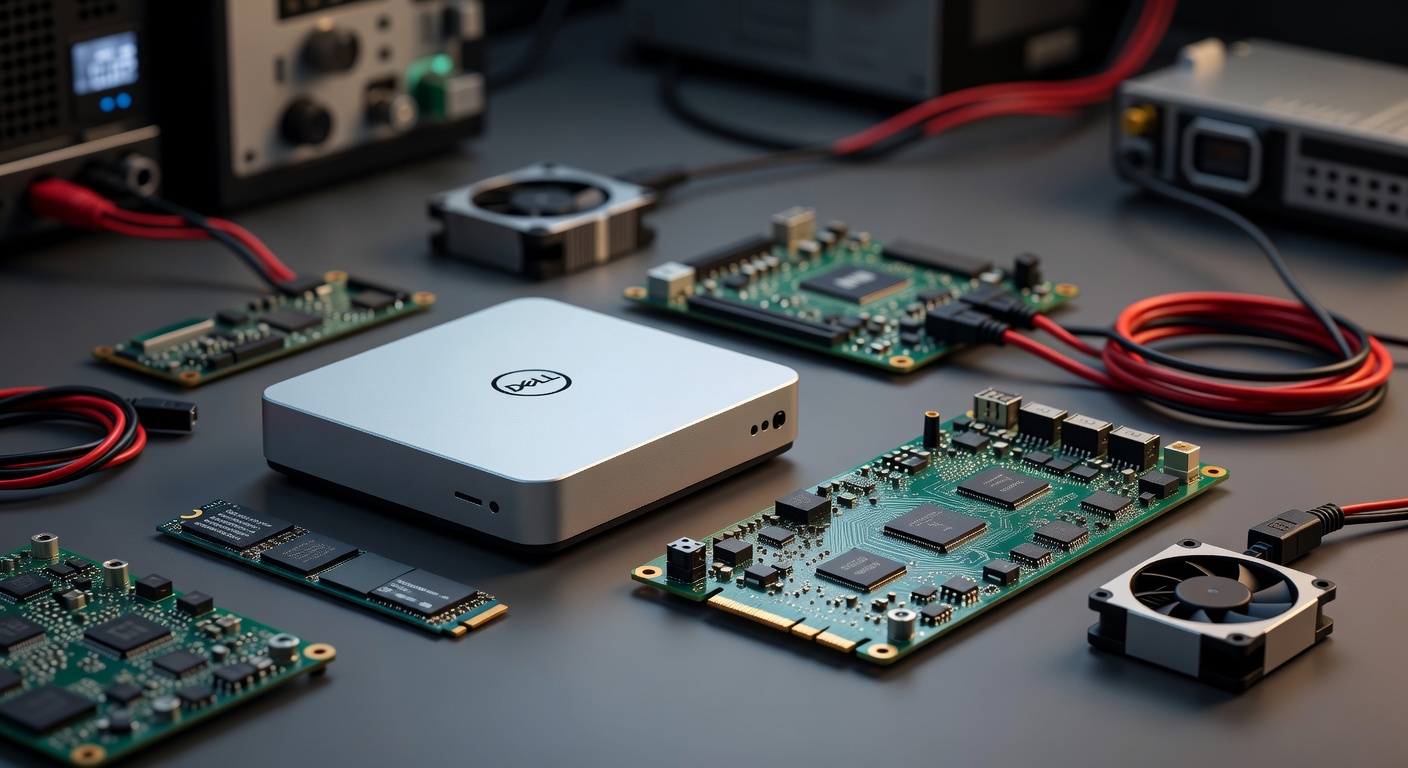
🏠 Why the Dell OptiPlex 7050 Micro is the Ultimate Mini-PC for Homelab Adventures
In the world of homelabs, space, power efficiency, and upgradeability are king. The Dell OptiPlex 7050 Micro checks every box, delivering enterprise-grade reliability in an ultra-compact form factor perfect for Docker clusters, media servers, or development rigs. Whether you're a tech enthusiast stacking nodes in a rack or a developer needing a silent workhorse, this Mini-PC punches way above its weight.12
📊 Compact Size: Fits Anywhere in Your Homelab
Space is premium in any homelab setup. The OptiPlex 7050 Micro measures just 7.2" H x 1.4" W x 7.0" D (183 x 36 x 178 mm) and weighs a featherlight 1.18 kg (2.6 lbs). That's smaller than a paperback book, making it ideal for tight shelves, wall mounts, or even 1U rack mounting (4U vertically in standard 19" EIA racks).1
- 🏠 Desk-friendly: Tucks behind a monitor or under a keyboard tray.
- 🔧 Rack-ready: Use RackSolutions wall mounts or trays for shoulder-screw compatibility—no custom fab needed.
- 📏 Depth advantage: Only 7 inches deep, perfect for shallow shelves or crowded server closets.
💡 Pro Tip: Pair two or three in a custom 1U tray for a multi-node Proxmox cluster without dominating your rack space.
This micro form factor doesn't sacrifice ports: 6x USB 3.0, Gigabit Ethernet, HDMI, DisplayPort (dual 4K support), and more—enough I/O for NAS, surveillance, or multi-monitor dev setups.2
🔧 Upgrades and Maintenance: Tool-Free Simplicity
What sets the 7050 Micro apart for homelabbers? Effortless upgrades. Dell's design prioritizes accessibility—no soldering irons or tiny screws.
Quick Upgrade Guide
- Pop the lid: Single latch releases the chassis—no tools required.
- RAM: 2x SODIMM slots, up to 32GB DDR4-2400 (non-ECC). Swap in Crucial or Kingston sticks in seconds.13
- Storage: Dual M.2 slots (SATA/PCIe NVMe) + 2.5" bay support. Go from 256GB SSD to 1TB+ with Opal SED or hybrid configs.14
- CPU: Socketed Intel 6th/7th gen (Skylake/Kaby Lake)—i3-6100T to i7-6700T (35W/65W TDP). Drop-in replacements from eBay.5[^7^]
# Example: Check current specs in Linux (ideal for homelabs)
lscpu | grep "Model name"
free -h  # RAM check
lsblk    # Storage overview
- ✅ Maintenance perks: Dust filters optional; internals stay cool and clean.
- ❌ Limits: No discrete GPU (integrated Intel HD suffices for transcoding); 65W max CPU.
- 🐳 Homelab bonus: Run Proxmox, TrueNAS, or Unraid with 16-32GB RAM for VMs/containers galore.
Users report upgrading from 8GB to 32GB DDR4 and adding NVMe SSDs transforms it into a beast for Minecraft servers, Plex, or Home Assistant—all without voiding warranties on renewed units.423
⚠️ Warning: Stick to 35W CPUs for the 65W PSU to avoid thermal throttling; 130W adapter needed for 65W chips.1
⚡ Power Consumption: Sip, Don't Gulp
Homelabs live or die by the electric bill. The 7050 Micro shines here:
| Configuration | Idle Power | Load Power | PSU Efficiency |
|---|---|---|---|
| i5-6500T + 16GB + 256GB SSD | ~8-12W | 30-45W | 87% (65W adapter)12 |
| i7-6700T + 32GB + 1TB SSD | ~10-15W | 50-65W | 87% (130W adapter)14 |
| Idle with VMs (Proxmox) | 12-18W | N/A | N/A |
- 📊 Real-world: Idles at 10W running Pi-hole + Uptime Kuma; peaks at 40W transcoding 4K in Jellyfin.
- 💡 Efficiency hacks: Enable C-states in BIOS; undervolt CPU via Intel XTU for 10-20% savings.
- 🏠 24/7 cost: ~$5-10/year per node at $0.15/kWh—cheaper than a Raspberry Pi cluster!
Remote management via Intel vPro or Dell Command Suite lets you monitor power draw headless—perfect for off-site homelabs.1
🚀 Homelab Use Cases: From NAS to Dev Server
🐳 Docker & Container Heaven
# docker-compose.yml for a full stack
version: '3.8'
services:
  plex:
    image: plexinc/pms-docker
    ports: ["32400:32400"]
    volumes: ["/mnt/ssd:/config"]  # Your upgraded M.2 SSD
  pihole:
    image: pihole/pihole
    ports: ["53:53/udp"]
  # Add 10+ services—32GB RAM handles it!
With quad-core i5/i7 and 32GB, spin up 20+ containers without breaking a sweat. Dual 4K HDMI/DP? Monitor your dashboard empire.2
📋 Virtualization Powerhouse
- Proxmox VE: 4-6 lightweight VMs (Ubuntu, Windows dev).
- TrueNAS Scale: ZFS pools on multiple SSDs.
- Kubernetes mini-cluster: 3x 7050s for k3s testing.
🔧 Gaming/Emulation (Light)
Roblox/Minecraft at 60FPS; PS2 emulation viable with iGPU tweaks.3
Renewed units (~$150-250 on Amazon) come with Windows 11 Pro, but wipe for Linux in minutes.2
💰 Cost Breakdown & Sourcing
| Component | Stock | Upgrade Cost | Performance Gain |
|---|---|---|---|
| CPU | i5-6500T | $50 (i7-6700T) | +20-30% multi-thread4 |
| RAM | 16GB | $40 (32GB kit) | Doubles VM capacity |
| Storage | 256GB SSD | $60 (1TB NVMe) | 5x faster IOPS1 |
| Total Build | $200 renewed | ~$350 maxed | Beast mode |
📝 Note: Hunt eBay/Amazon Renewed for deals; check for vPro models for IPMI-like management.
🛠️ Step-by-Step: Maxing Your 7050 Micro for Homelabs
- Prep: Download Ubuntu Server/Proxmox ISO to USB.
- Upgrade:
text
# Post-upgrade verification sudo apt update && apt install dmidecode dmidecode --type memory # Confirm 32GB - Deploy:
- Install Proxmox: Boot from USB, auto-partition SSD.
- Add nodes to cluster via web UI.
- Monitor: Grafana + Prometheus for power/CPU metrics.
📈 Why It Beats the Competition
| Feature | OptiPlex 7050 Micro | NUC | Used ThinkCentre |
|---|---|---|---|
| Size | 1.4x7x7" | Similar | Bulkier |
| Upgrade RAM | 32GB easy | Often soldered | Variable |
| Power Idle | 10W | 15W+ | 20W+ |
| Price Maxed | $350 | $600+ | $300 (riskier) |
| Rack Fit | Native 1U | Adapters | No |
Enterprise pedigree means MTBF >100k hours; perfect for always-on labs.1
In summary, the Dell OptiPlex 7050 Micro isn't just a Mini-PC—it's your homelab's Swiss Army knife. Compact, upgradable, efficient, and affordable, it's ready for any adventure from Docker swarms to media empires. Grab one, mod it, and watch your setup evolve.
Sources